This page demonstrates styles and widgets used for the YugabyteDB Documentation site. To view the source for the file, click **Contribute** and choose **Edit this page**.
## Tab widgets
This is a top-level tab widget, that uses different files for each tab. Everything that follows is in this tab's file. If you change tabs, you get a whole new page.
### Second tab widget style
This is a second-level tab widget, that uses different files for each tab - same as the one above, just styled differently.
Everything that follows is in this tab's file. If you change tabs, you get a whole new page.
### In-page tab widget
This tab widget doesn't use separate files to fill in the content and then link between. Here the content is placed inside the `tabpane` shortcode.
{{< tabpane text=true >}}
{{% tab header="Tab" lang="java" %}}
Another tab style; here all the tab contents are in-page.
### Headings inside this widget don't show up in RightNav
To build and run the application, do the following:
1. Clone the sample application to your computer:
```sh
git clone https://github.com/YugabyteDB-Samples/yugabyte-simple-java-app.git && cd yugabyte-simple-java-app
```
1. Provide connection parameters.
The application needs to establish a connection to the YugabyteDB cluster. To do this:
- Set the following connection parameters:
- **host** - the host name of your YugabyteDB cluster. To obtain a YugabyteDB Aeon cluster host name, sign in to YugabyteDB Aeon, select your cluster on the **Clusters** page, and click **Settings**. The host is displayed under **Connection Parameters**.
- **port** - the port number that will be used by the JDBC driver (the default YugabyteDB YSQL port is 5433).
- Save the file.
The end of this tab.
{{% /tab %}}
{{% tab header="Another tab" lang="go" %}}
The contents of the next tab. You can keep adding tabs in similar fashion.
### Headings inside this widget don't show up in RightNav
To build and run the application, do the following:
1. Clone the sample application to your computer:
```sh
git clone https://github.com/YugabyteDB-Samples/yugabyte-simple-go-app.git && cd yugabyte-simple-go-app
```
1. Provide connection parameters.
{{% /tab %}}
{{< /tabpane >}}
### Pills
These pills automatically re-flow based on page width; just keep adding list items. Use these pills for landing pages or as an alternative to tabs.
## Table
The following is a basic markdown table.
| Table | A column |
| :---- | :------- |
| A row | Another column in a table. Maybe to describe stuff. Might have bulleted lists etc, but that all has to be done using HTML. |
| Another row | Another row in a table. |
| Another row | Another column in a table. |
## Notes and blockquote
An ordinary paragraph.
>**Blockquote**
>
>Blockquote text
>
>Some more blockquote text.
{{< note title="Note" >}}
This is an actual Note. Pay special attention to this thing, maybe.
{{< /note >}}
{{< tip title="Tip" >}}
This is an actual Tip. Maybe there's a cool alternative to what you are doing.
{{< /tip >}}
{{< warning title="Warning" >}}
This is an actual Warning. Whatever you are doing may threaten your data if you do it wrong.
{{< /warning >}}
## Images and video
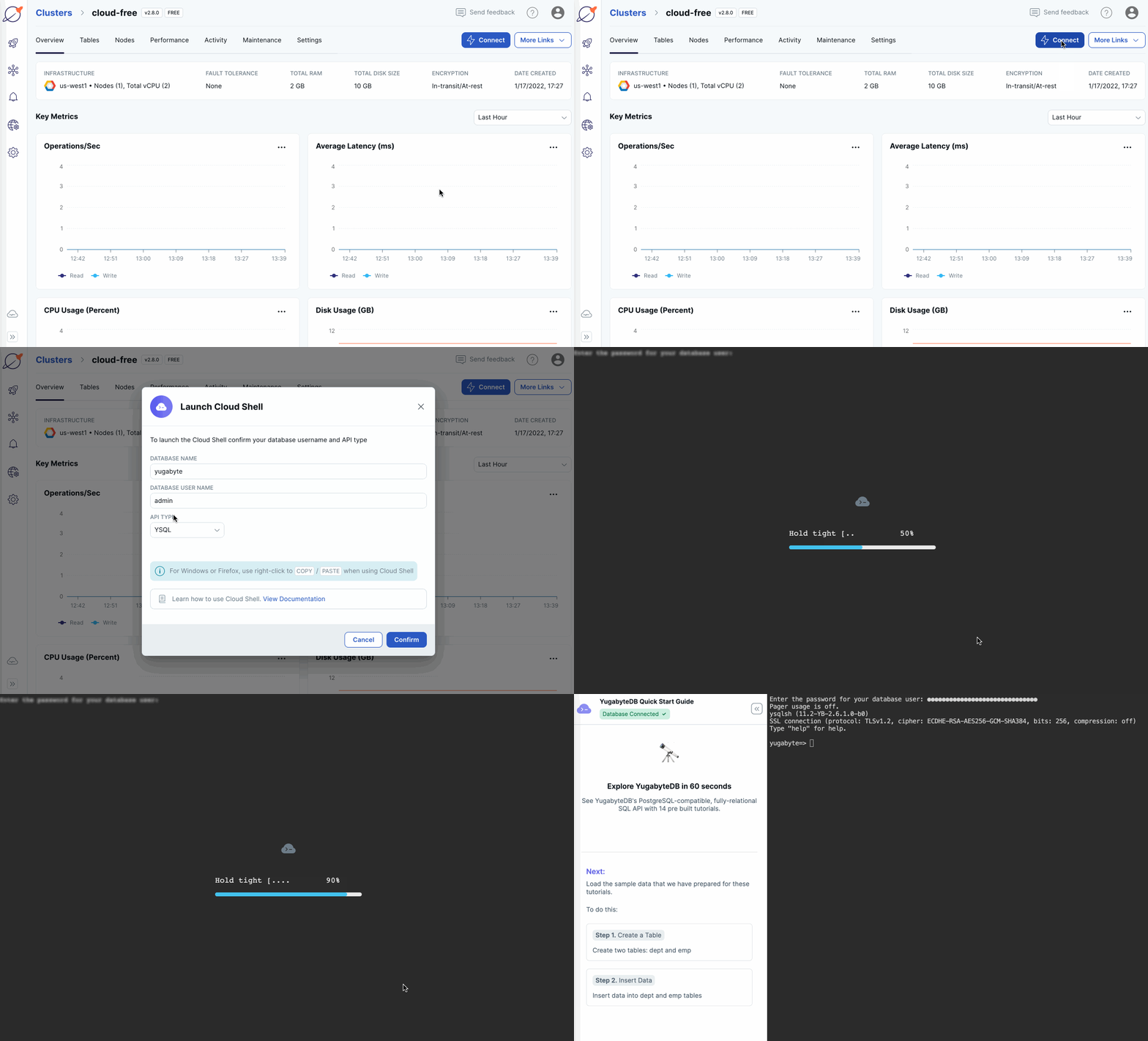
What follows is an image:
What follows is an embedded YouTube video:
{{< youtube id="qYMcNzWotkI" title="Deploy a fault tolerant cluster in YugabyteDB Aeon" >}}
## Lists
What follows are some numbered steps, some code, text indented under a step:
1. Numbered list with indented lists.
1. Second level numbered list indent.
1. Second level numbered list indent.
1. Third level numbered list indent.
1. Third level numbered list indent.
1. Second list item. Some text in **bold**. Some text in _italics_.
1. Third list item.
Indented text under a list.
```output
Some code
```
1. Fourth list item.
Bulleted lists with levels of indent:
- Bulleted list with indented lists.
- Second level Bulleted list indent.
- Second level Bulleted list indent.
- Third level Bulleted list indent.
- Third level Bulleted list indent.
### Heading 3
#### Heading 4
Some bullets:
- a cluster deployed in YugabyteDB Aeon.
- the cluster CA certificate; YugabyteDB Aeon uses TLS to secure connections to the database.
- your computer added to the cluster IP allow list.
Refer to [Before you begin](/stable/develop/tutorials/build-apps/cloud-add-ip/).
## Glossary entries
Glossary term
: Definition. This text is a definition for a glossary term, or any sort of definition list.
Glossary term
: Definition. This text is a definition for a glossary term, or any sort of definition list.
: Another paragraph in the definition.
Glossary term
: Definition. This text is a definition for a glossary term, or any sort of definition list.
: Another paragraph in the definition.
## Details tag
The details HTML tag is used to create an interactive widget that the user can open and close. By default, the widget is closed. When open, it expands, and displays the contents.
Long code block
These contents might be a very long bit of code or somesuch.
## Syntax documentation
```sh
ysqlsh [
 Top-level Tab Widget
 Tab 2
Tab 2